
Using our Client Portal
Accessing your Account
Through the SimplePractice Client Portal, you can:
Request or reschedule appointments.
Receive reminders and view upcoming sessions.
Access billing documents and superbills.
Send secure messages.
The SimplePractice Client Portal app is the fastest and easiest way to manage your care. Simply sign in with your email and enjoy instant access to telehealth, upcoming appointments, and more on your phone.
Download the App
For iOS
Scan the QR code or click below to download on the App Store.

For Android
Scan the QR code or click below to download on Google Play.

Sign in via Web Browser
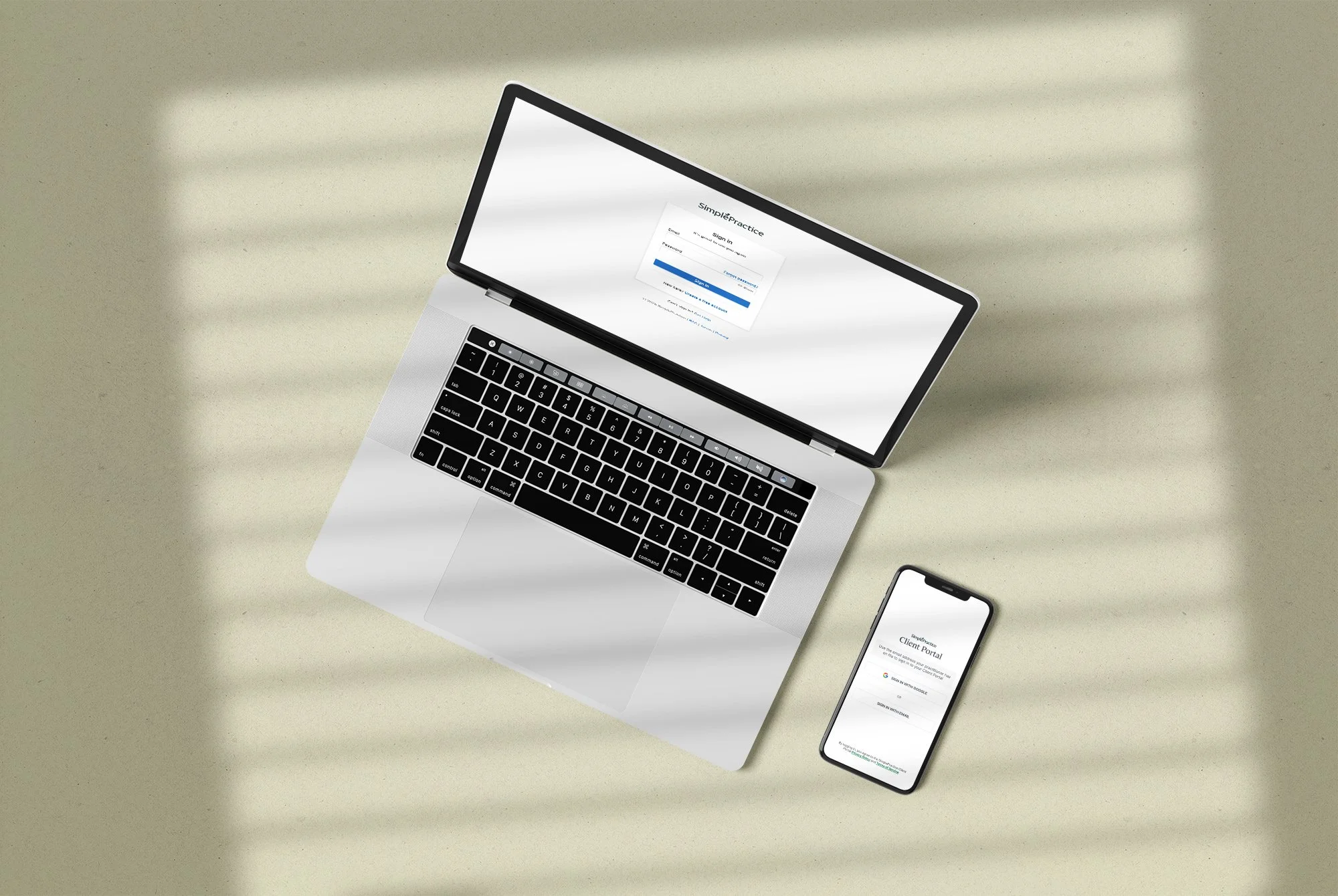
Client Portal
Commonly Asked Questions
-
You can request a new appointment through the Client Portal.
-
Yes, you can easily make payments and view your billing history on the Client Portal.
-
The Client Portal is accessible via web browser on your Android device when you visit michel-mennesson.clientsecure.me. You can also download the Client Portal app for Android in the Google Play Store. From the Client Portal, select I’m an Existing Client and enter your email address to receive a sign-in link.
-
When we send you a new secure message or a document to review you’ll receive an email containing a Client Portal sign-in link. This one-time link expires after 24 hours. If a link has expired, you can request a new sign-in link or use Google Sign In. You can also access your Client Portal directly through the Client Portal mobile app (for Android or iOS). If you’re having trouble signing in, contact us for assistance.